
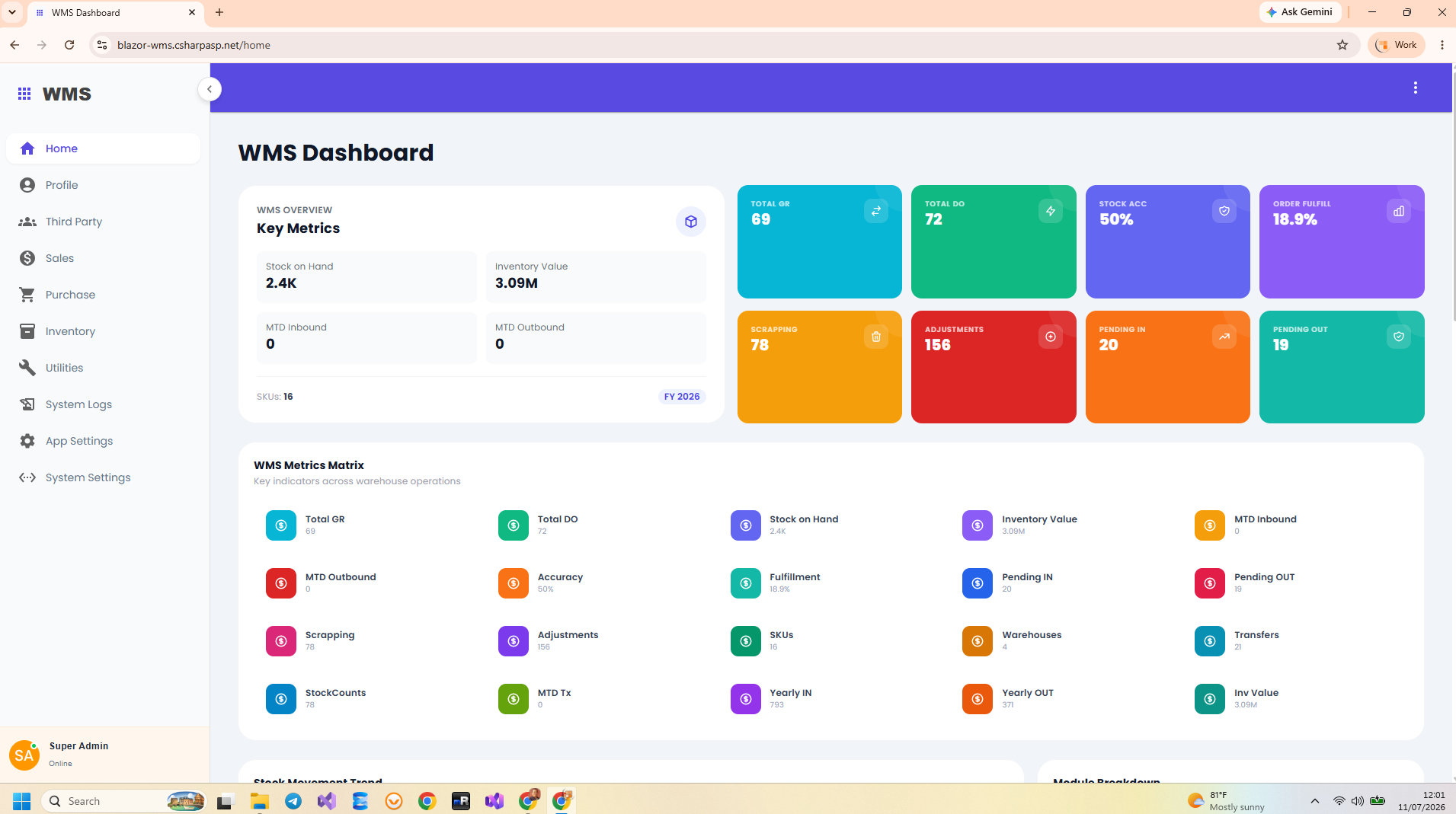
What a Blazor warehouse screen needs to accomplish
Warehouse users need to locate records, enter operational data, receive useful feedback, and return to a reliable list or report. A Blazor warehouse management system brings those interactions into C# components while keeping the business operation identifiable behind the screen. Indotalent’s Blazor WMS Source Code includes the components and backend implementation, making it possible to follow both sides of an action.
Identify the hosting model in the source
This project registers AddRazorComponents().AddInteractiveServerComponents() and maps AddInteractiveServerRenderMode(). Interactive component execution therefore uses the server. The browser participates through the interactive connection. Microsoft’s Blazor hosting model documentation explains the connection and server-resource implications of this model.
For a warehouse deployment, test the actual workstation or handheld network conditions. An interface that works at a developer’s desk still needs usable reconnect behavior and clear feedback on a warehouse floor. Offline operation is a separate requirement; it should not be inferred from the fact that the UI runs in a browser.
Read the warehouse feature as a small UI module
| Source component | Purpose |
|---|---|
WarehousePage.razor | Entry component for the warehouse feature. |
_WarehouseDataTable.razor | Warehouse listing interface. |
_WarehouseCreateForm.razor | Create form using MudForm, MudGrid, text fields, and a checkbox. |
_WarehouseUpdateForm.razor | Editing interface for an existing warehouse. |
WarehouseService.cs | Typed calls to the warehouse HTTP endpoints. |
The create form binds to CreateWarehouseRequest. Its visible fields are warehouse name, system-warehouse flag, and description. The MudGrid gives the name eight columns and the flag four columns at the small breakpoint, while both use the full row at the extra-small breakpoint. That is an implementation detail worth checking when adding longer labels or another field.
Follow the submit behavior
The form’s Submit method validates the MudForm and returns when it is invalid. During processing, the buttons are disabled and the submit button shows a progress indicator. A successful service response produces a snackbar notification and invokes OnSuccess, allowing the parent component to handle the next UI state.
// Abbreviated from _WarehouseCreateForm.razor
await _form.Validate();
if (!_form.IsValid) return;

var response = await WarehouseService.CreateWarehouseAsync(_model);
if (response != null && response.IsSuccess)
{
    await OnSuccess.InvokeAsync();
}
This excerpt focuses on the action path; the full component also uses a processing flag, exception handling, and cleanup in a finally block. Disabling a button helps prevent accidental double-clicks in that interface, but it does not establish idempotency for external clients calling the API.
Understand why the service boundary matters
WarehouseService constructs a RestSharp client from NavigationManager.BaseUri. Creating a warehouse sends JSON to api/warehouse. The shared BaseService attaches an available bearer token, handles an unauthorized response with a refresh attempt, and processes the API response envelope.
Consequently, a Blazor page does not bypass the API just because it runs on the server. A failed create action may originate in form validation, token handling, the HTTP response, or the handler. Inspect the actual request and response when diagnosing failures rather than assuming every error comes from EF Core.
Keep UI validation and backend validation distinct
The create form explicitly instantiates CreateWarehouseValidator and wires its rules into field validation. The validator targets the request DTO. MediatR receives a separate command wrapper. When adding or tightening a rule, trace whether the server invokes a validator for that wrapper or explicitly validates its payload; the presence of a shared validator class alone does not establish enforcement for direct API callers.
The warehouse API guide details this boundary. It is especially relevant if the same operation will serve a scanner application or an integration outside the Blazor UI.
Customize a screen through the complete path
For a new warehouse field, decide how users enter it, whether it is displayed in the list, and how it is persisted. Then align the request and response DTOs, form model, service call, handler mapping, entity, and EF configuration. Test a create-and-reload cycle as well as an update so that a value does not disappear between the form and list.
For inventory actions, check the resulting movement report as part of UI acceptance. A green notification is only one part of the result. The Blazor WMS product page is the destination for the complete application source; this guide explains how its warehouse interface is connected.
