.NET 10 · Blazor Server · VSA · MudBlazor

Blazor CRM

Spa & Wellness Management — Complete Source Code

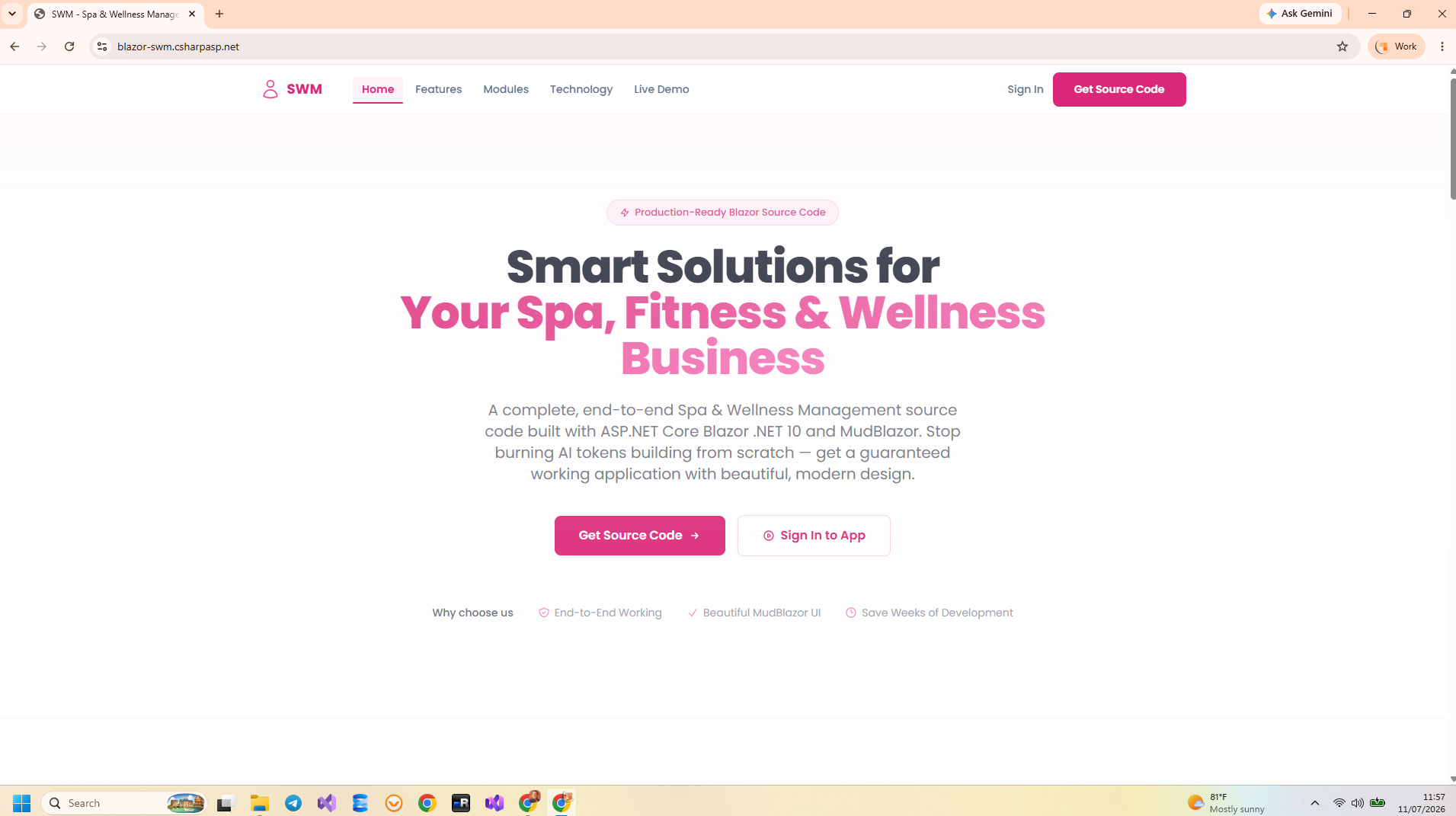
A production-ready spa & wellness management application to manage clients, appointments, services, and billing. Built with .NET 10, ASP.NET Core, Blazor Server, MudBlazor, and Vertical Slice Architecture.

$21 $49
Instant Download
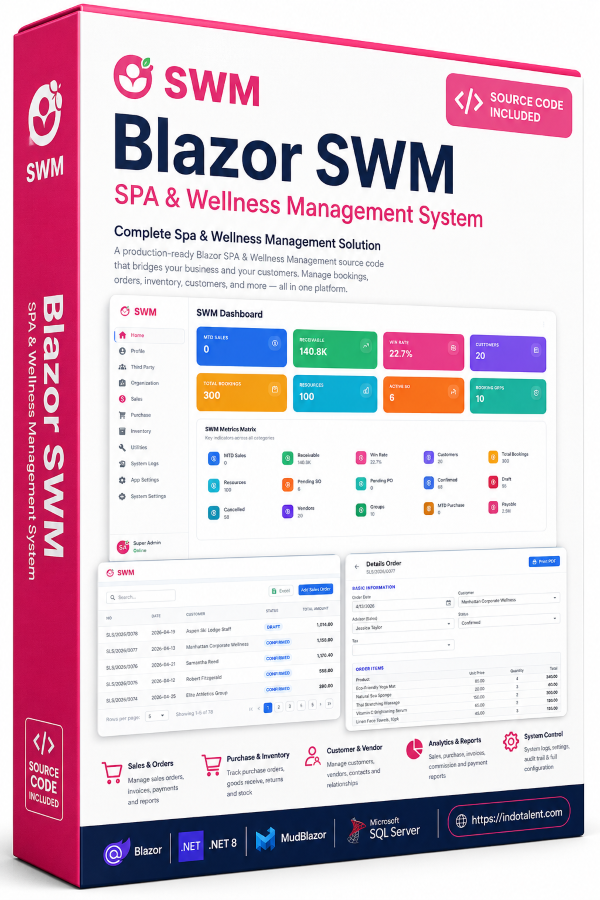
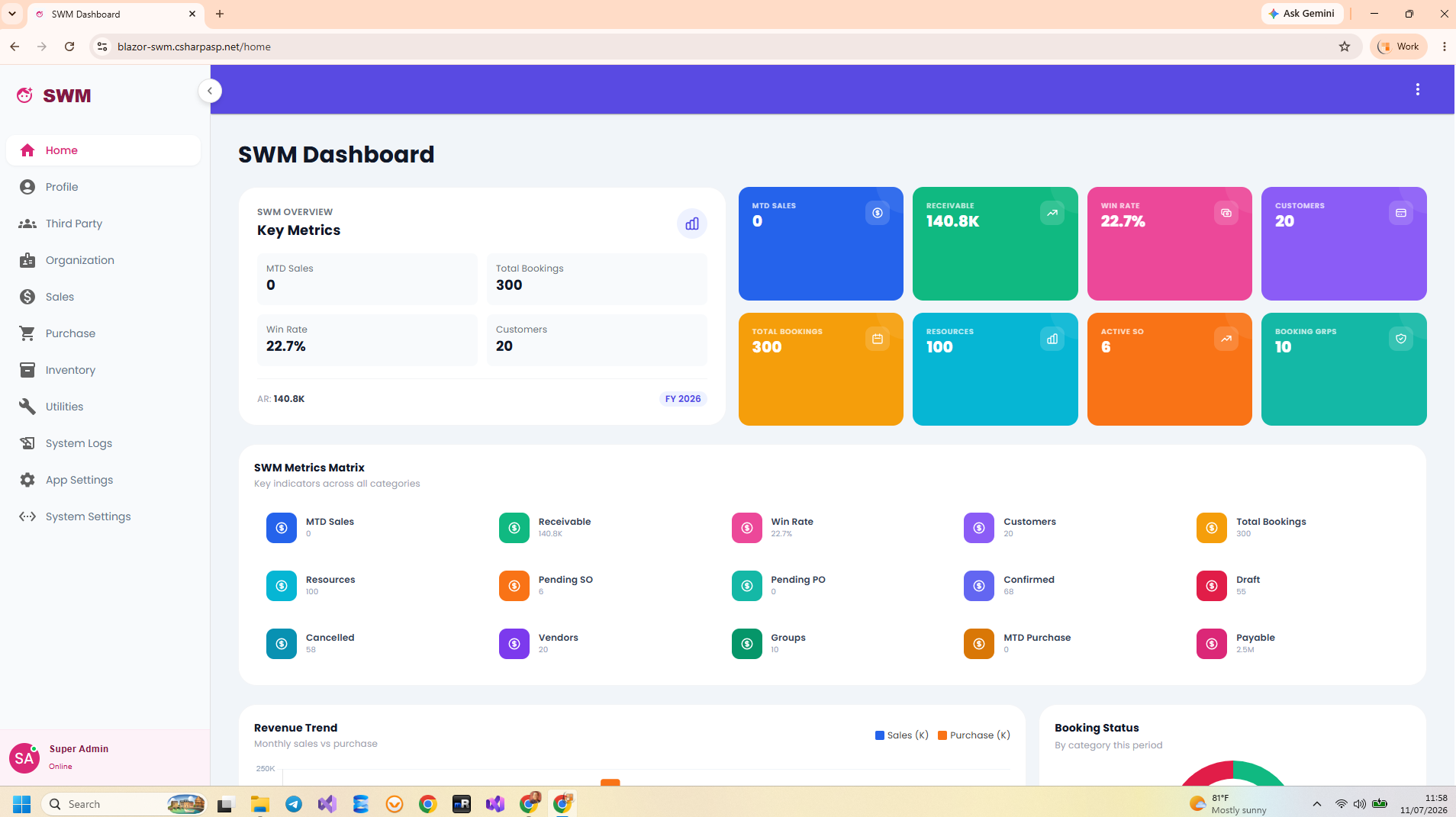
Blazor SWM Dashboard — Spa & Wellness Management .NET 10 Blazor Server
The Problem

Business Problems Solved

Spa, fitness, and wellness businesses struggle with fragmented appointment booking, manual client management, disconnected billing, and no business analytics — limiting growth and profitability.

Fragmented Client & Appointment Management

Client bookings are managed through phone calls, paper logs, and sticky notes. Double bookings and no-shows hurt revenue. Blazor SWM provides a complete booking system with resource scheduling, availability management, and client tracking.

Manual Sales & Billing

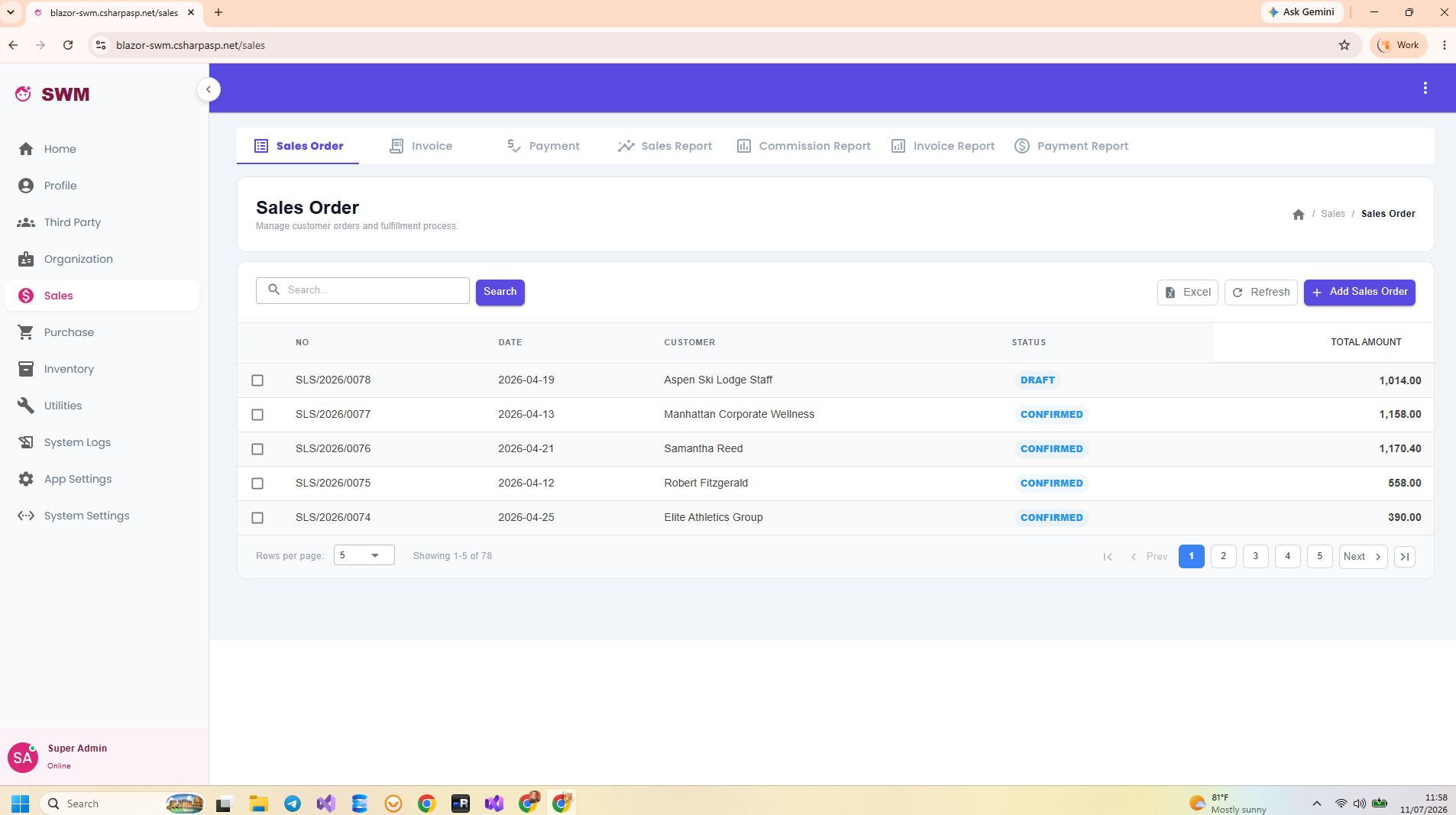
Service sales, packages, and invoices are handled manually leading to billing errors and delayed payments. Blazor SWM integrates the full sales cycle — from order to invoice to payment — with commission tracking for therapists.

Disconnected Employee & Commission Tracking

Therapist schedules, service assignments, and commissions are tracked in spreadsheets. Blazor SWM centralizes employee management with group categorization, service assignments, and automated commission reports.

No Business Analytics

Without dashboards, spa owners cannot see which services sell best, which therapists perform, or track revenue trends. Blazor SWM includes KPI dashboards with sales reports, commission reports, and inventory summaries.

Business Features

What's Included in Blazor SWM

Complete end-to-end business features — every module is a complete vertical slice with endpoint, handler, validator, and EF Core queries.

Profile

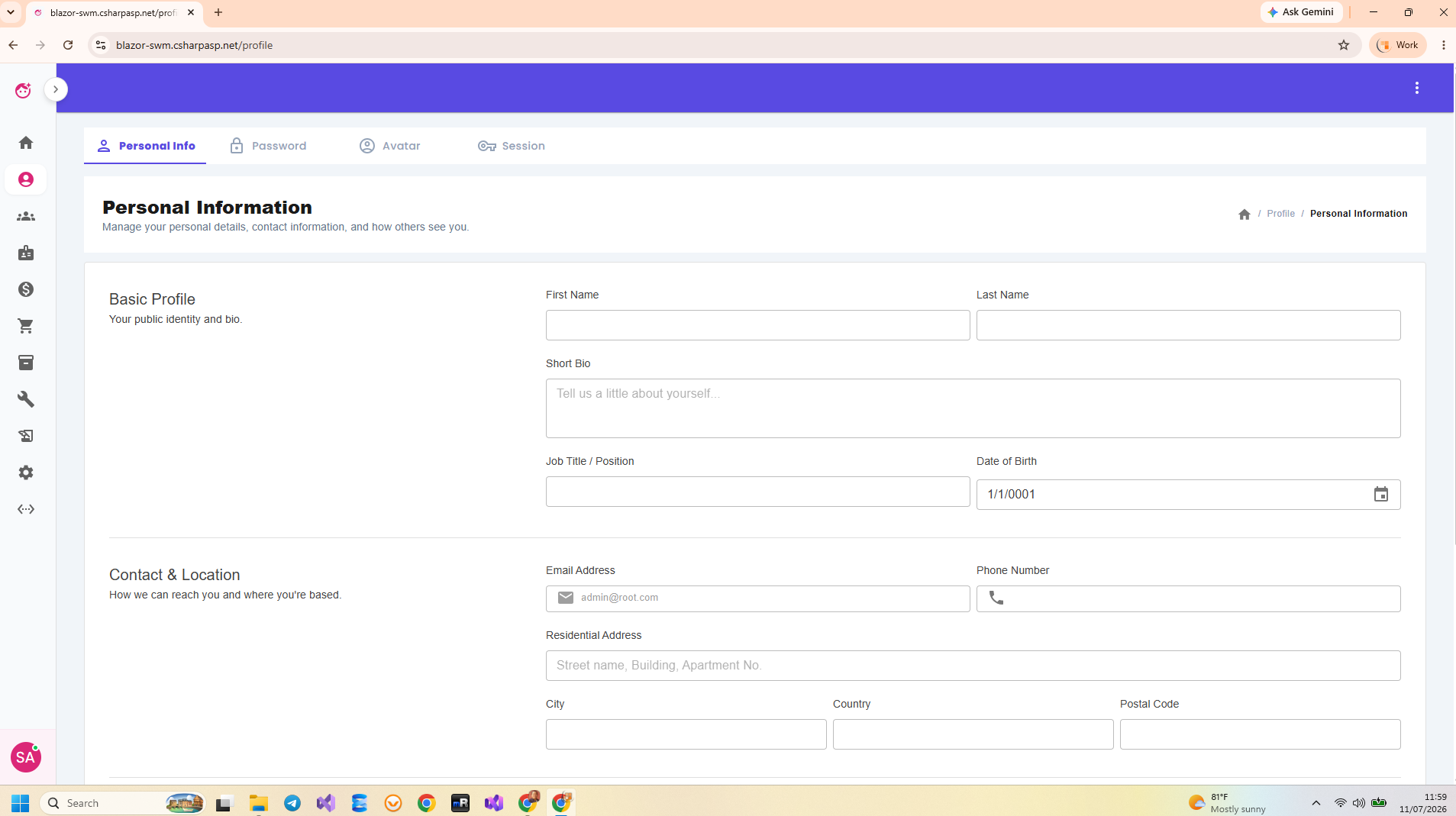
Personal Info, Password, Avatar, Session

Third Party

Customer Group, Customer Category, Customer, Customer Contact, Vendor Group, Vendor Category, Vendor, Vendor Contact

Organization

Employee, Employee Group, Employee Category

Sales

Sales Order, Invoice, Payment, Sales Report, Commission Report, Invoice Report, Payment Report

Purchase

Purchase Order, Bill, Payment, Purchase Report, Bill Report, Payment Report

Inventory

Unit Measure, Product Group, Product, Warehouse

Utilities

Booking Group, Booking Resource, Booking Manager, Scheduler, To-Do List

System Logs

Database log, File log

App Settings

Users, Currencies, Auto Number

System Settings

full inspection mode for appsettings.json

Technology

Technologies Used

Blazor SWM is built on the modern .NET ecosystem with production-grade libraries and tools.

.NET 10 ASP.NET Core 10 Blazor Server MudBlazor ASP.NET Core Minimal APIs Entity Framework Core 10 MediatR + CQRS FluentValidation Swagger / OpenAPI SignalR
LayerTechnology
Framework.NET 10
Web FrameworkASP.NET Core 10
UI RenderingBlazor Server (SignalR-based real-time UI)
UI Component LibraryMudBlazor (Material Design components for Blazor)
Architecture PatternVertical Slice Architecture (VSA) + CQRS via MediatR
API StyleASP.NET Core Minimal APIs with Swagger/OpenAPI
Data AccessEntity Framework Core 10 (Code-First, Migrations, Compiled Queries)
DatabaseSQL Server (fully tested) / PostgreSQL (scaffolded)
ValidationFluentValidation
AuthenticationASP.NET Core Identity + JWT Bearer Token
AuthorizationRole-Based (RBAC) + Policy-Based Authorization
Real-TimeSignalR (built into Blazor Server)
Architecture

Application Architecture

Blazor SWM uses Vertical Slice Architecture (VSA) with CQRS via MediatR — the modern, maintainable approach to building .NET applications.

Vertical Slice Architecture

Each feature (Create Contact, Get Deal, Update Lead, etc.) lives in its own folder with its Minimal API endpoint, MediatR handler (Command or Query), FluentValidation validator, and EF Core queries all in one place. Zero coupling between features. Add a feature without touching unrelated code.

Folder structure: Features/Products/CreateContact/ contains endpoint, handler, validator, DTO, and mapping — everything for that single operation.

CQRS via MediatR

Commands (writes) and Queries (reads) are separated into distinct MediatR handlers. Read queries use EF Core no-tracking for maximum performance. Command handlers encapsulate business logic with full change tracking. Pipeline behaviors handle cross-cutting concerns like validation, logging, and transactions.

Example: GetContactByIdQuery uses .AsNoTracking(). CreateContactCommand uses full change tracking with validation pipeline behavior.

Single-Project Monolith

The entire application — Blazor UI, REST API, business logic, data access, and authentication — lives in one .NET 10 project. No distributed complexity, no microservice overhead. Single F5 to run. Deploy as one unit to Azure, IIS, or Docker. Perfect for teams that value simplicity and velocity.

Project Structure Overview

BlazorSWM/
├── Features/                    # Vertical Slices (one folder per feature)
│   ├── Products/
│   │   ├── CreateContact/       # Endpoint + Handler + Validator + DTO
│   │   ├── GetContactById/
│   │   ├── GetContactList/
│   │   ├── UpdateContact/
│   │   └── DeleteContact/
│   ├── Warehouses/
│   ├── StockMovements/
│   ├── Inventory/
│   ├── Transfers/
│   └── Dashboard/
├── Infrastructure/              # Cross-cutting: Auth, Audit, EF Core
├── Migrations/                  # EF Core migrations
├── SeedData/                    # Initial seed data (demo users, sample data)
├── Components/                  # Shared Blazor components
├── wwwroot/                     # Static assets
└── Program.cs                   # Single entry point with full configuration
Security

Security & Authorization

Security is baked into the architecture from the ground up — not bolted on as an afterthought.

Blazor SWM ships with a fully configured authentication and authorization system. ASP.NET Core Identity manages users and roles with secure password hashing. JWT (JSON Web Token) authentication protects all REST API endpoints, while cookie-based authentication handles Blazor Server UI access. Both schemes run simultaneously.

Role-based access control (RBAC) restricts features by user role: Admin (full access), Manager (team-level access), and User (self-service). Policy-based authorization provides fine-grained control for sensitive operations like deal approval or financial reports.

With Blazor Server, source code and connection strings never leave the server. All data access happens server-side via SignalR — zero exposure of database credentials or business logic to the client.

Security Features

  • ASP.NET Core Identity — User registration, login, password hashing, password reset
  • JWT + Cookie Dual Auth — Cookies for Blazor UI, JWT for REST API
  • Role-Based Access Control — Admin, Manager, User roles with granular permissions
  • Policy-Based Authorization — Declarative policies for fine-grained feature access
  • Audit Trail — Every create/update/delete logged with user ID and timestamp
  • SignalR Protection — Blazor Server connections secured with [Authorize]
  • Server-Side Code — Source code and DB credentials never leave the server
Integration

REST API & Integration

Blazor SWM exposes a complete REST Web API for all entities — ready for mobile apps, third-party integrations, and external systems.

API Endpoints

Every feature exposes REST endpoints via ASP.NET Core Minimal APIs. All endpoints are JWT-protected and return proper HTTP status codes.

GET/api/contacts— List contacts with pagination, search, sort
GET/api/contacts/{id}— Get contact by ID
POST/api/contacts— Create new contact
PUT/api/contacts/{id}— Update contact
DELETE/api/contacts/{id}— Delete contact

Same pattern applies to all entities: Companies, Deals, Leads, Activities, and Dashboard aggregations.

API Features

  • Swagger/OpenAPI Docs — Interactive API documentation at /swagger
  • JWT Authentication — All endpoints require Bearer token
  • Request/Response DTOs — Clean separation from domain models
  • FluentValidation — Input validation on all endpoints
  • Pagination & Filtering — Built-in query parameters for list endpoints
  • Mobile-Ready — Use the API to build mobile apps or integrate with external systems
Database & Deployment

Database & Deployment

EF Core migrations, seed data, and flexible deployment options — ready to run in under 60 seconds.

Database

  • SQL Server — Fully tested with EF Core migrations and seed data included
  • PostgreSQL — Scaffolded in codebase (provider + connection string config ready, not fully tested)
  • EF Core Migrations — Code-first approach with full migration history
  • Seed Data — Demo users (admin, manager, user), sample business records
  • Compiled Queries — Performance-optimized EF Core queries

Deployment Options

  • Azure App Service — Deploy directly from Visual Studio or GitHub Actions
  • IIS (Windows Server) — Standard ASP.NET Core publish to IIS
  • Docker — Containerize and deploy anywhere Docker runs
  • Windows / Linux / macOS — .NET 10 runs everywhere
  • Single Project — No distributed complexity. One publish, one deploy
  • Setup Time: Clone repo → set connection string → F5 → running in under 60 seconds

Application Screenshots

Explore the Blazor SWM interface — dashboards, data management, workflow management, and more.

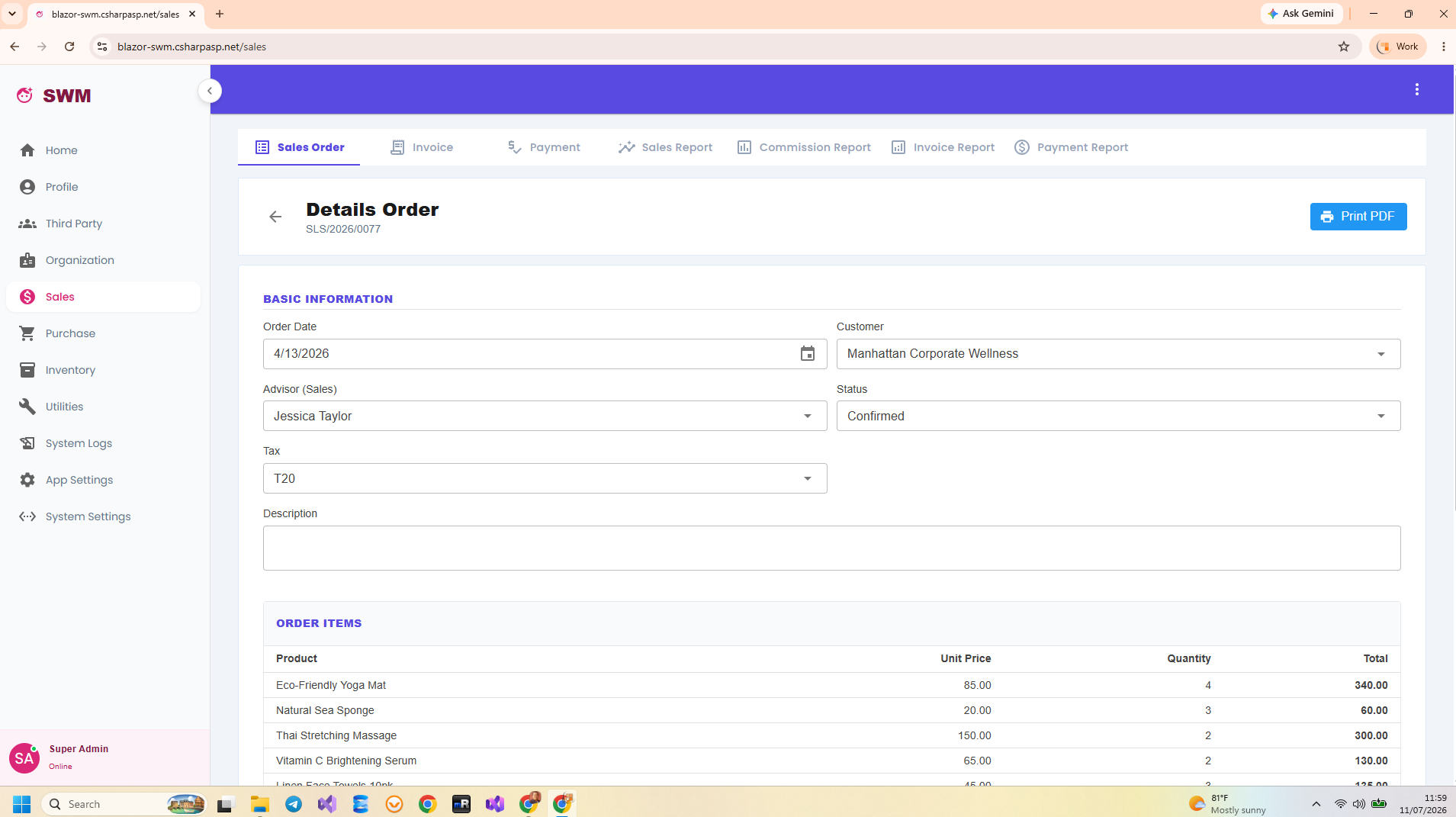
Blazor SWM Dashboard Overview Blazor SWM Contact Management Blazor SWM Sales Pipeline Blazor SWM Deal Tracking Blazor SWM Reporting & Analytics Blazor SWM Data Management

Try the Live Demo

Test every feature before you buy. No registration required.

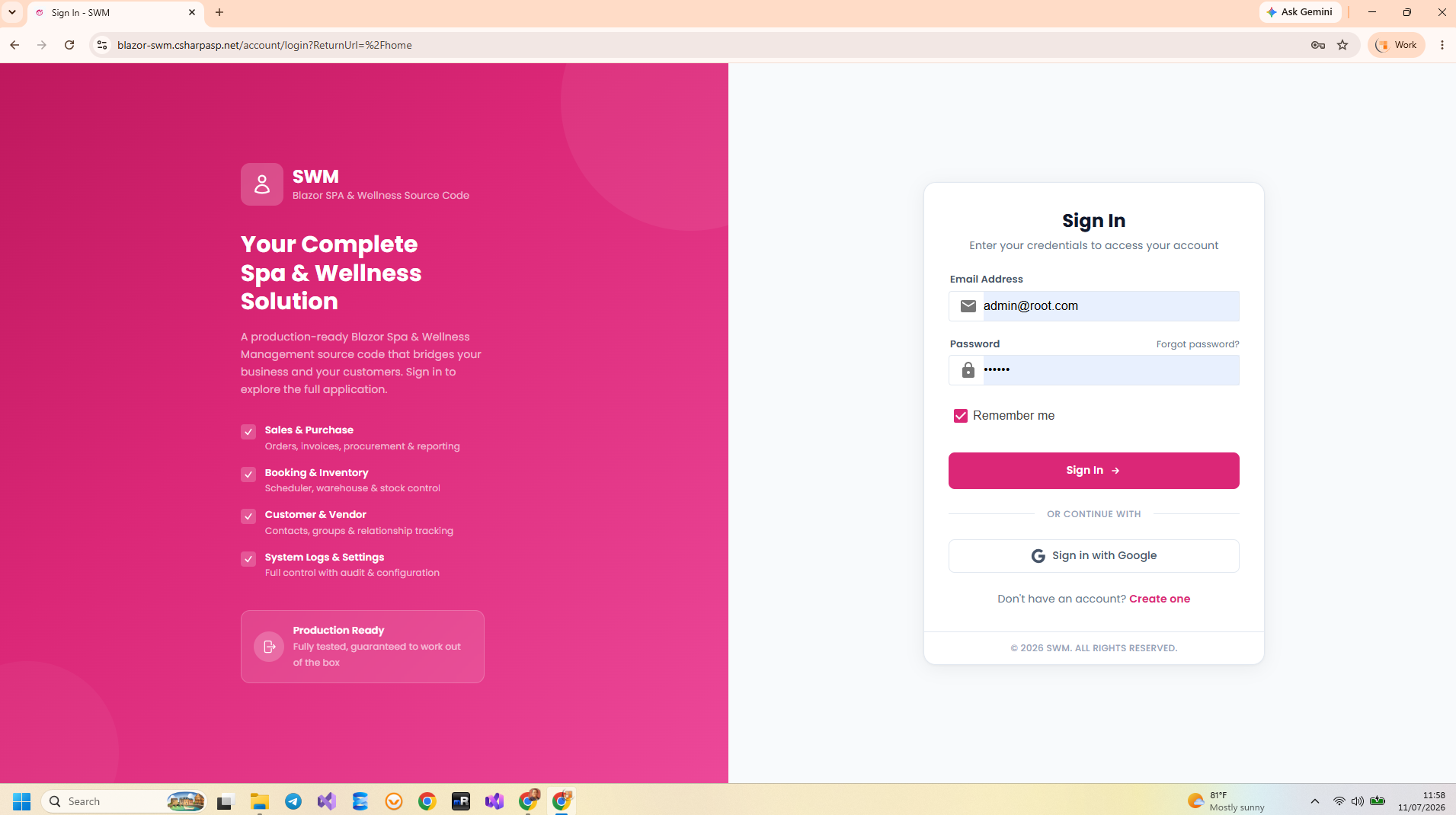
URL: https://blazor-swm.csharpasp.net/

Email: admin@root.com

Password: 123456

Get Blazor SWM Source Code

Complete, unrestricted C# source code. Single .NET 10 project. Clone, F5, run.

$21 $49
Instant Download
Buy Now — $21 via Lemon Squeezy

Secure checkout via Lemon Squeezy. Lifetime access. No subscription.

FAQ

Frequently Asked Questions

You get the complete, unrestricted C# source code of the entire Blazor SWM application. A single .NET 10 project with all features, Vertical Slice Architecture implementation, EF Core migrations, seed data, and full configuration. Clone, set your connection string, press F5, and it runs immediately. Includes Blazor Server UI, REST API, authentication, authorization, audit trail, and all CRM features.
Yes! Each license covers one end product per client project. You can rebrand, customize, add features, and deploy for your clients. Freelancers and agencies save weeks of development. Each new client project requires a separate $21 license. See our License page.
SQL Server is fully tested and ready to use. PostgreSQL support is scaffolded in the codebase — the EF Core provider and connection string configuration are set up — but has not been fully tested yet. Switch between databases by changing the connection string and provider in Program.cs.
Blazor SWM uses Vertical Slice Architecture (VSA) with CQRS via MediatR. Each feature (Create Contact, Get Deal, etc.) lives in its own folder with endpoint, MediatR handler, FluentValidation validator, and EF Core queries. This pattern is AI-friendly, beginner-friendly, and production-proven. Read our VSA Introduction.
Absolutely! The code is clean, well-structured, and self-documenting. Beginners can study real production patterns — authentication flows, VSA feature organization, REST API endpoints, and database design — all in a single project. You'll need Visual Studio 2022+ and SQL Server (LocalDB or Express, both free).
Due to the digital nature of source code, we have a strict no-refund policy. That's why we provide a fully functional live demo — test every feature before you buy. Full policy here.